en
Meta Title (SEO):
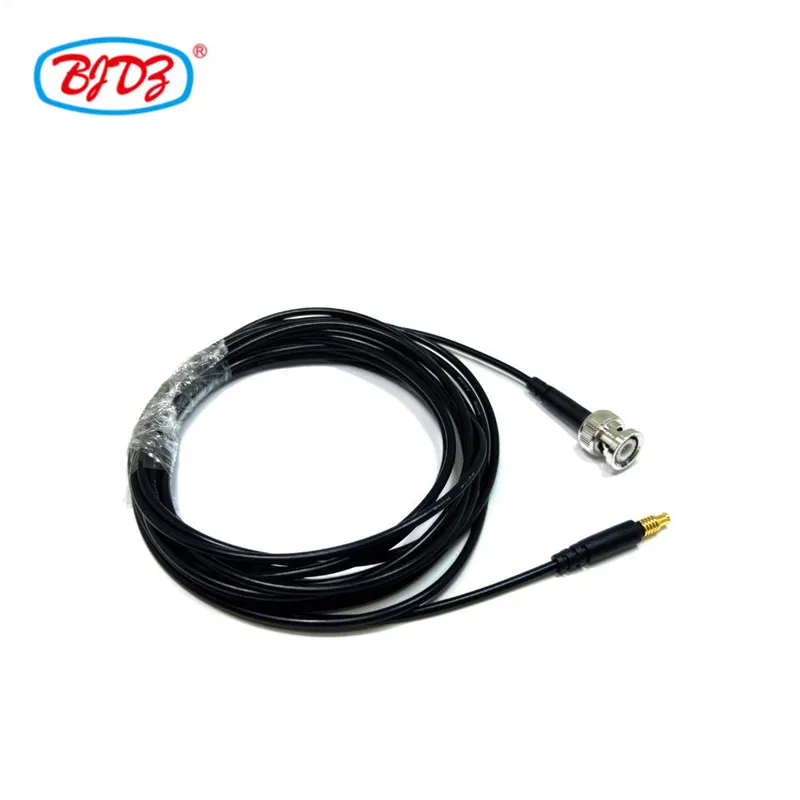
MCX Male to BNC Male Pigtail Cable | RG174 WiFi Router Antenna Extension Jumper 50Ω
Meta Description (SEO):
High-quality 50Ω MCX male to BNC male RF pigtail jumper with ultra-flexible RG174 coax. Ideal for WiFi network card upgrades, router antenna modifications, GPS modules, and SDR setups. Gold-plated contacts, low VSWR, factory tested.
Seamlessly Bridge Internal Micro-RF Ports to External Standard Antennas
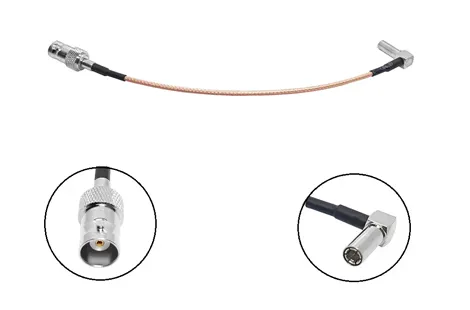
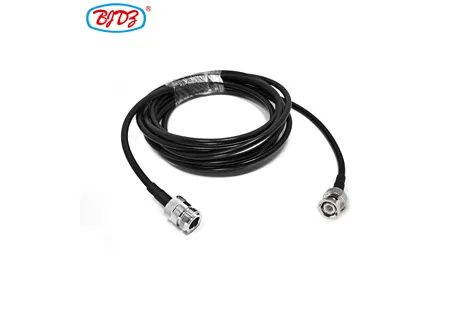
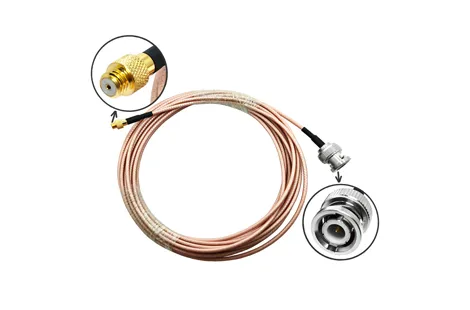
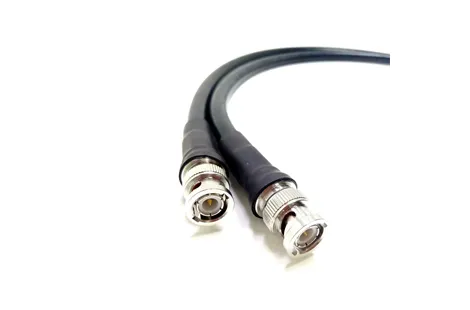
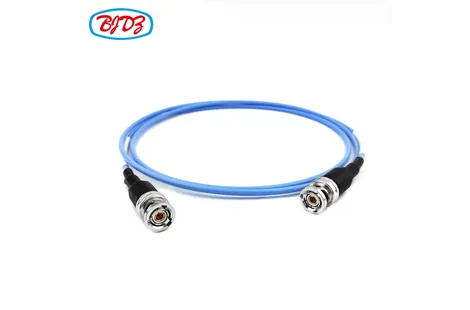
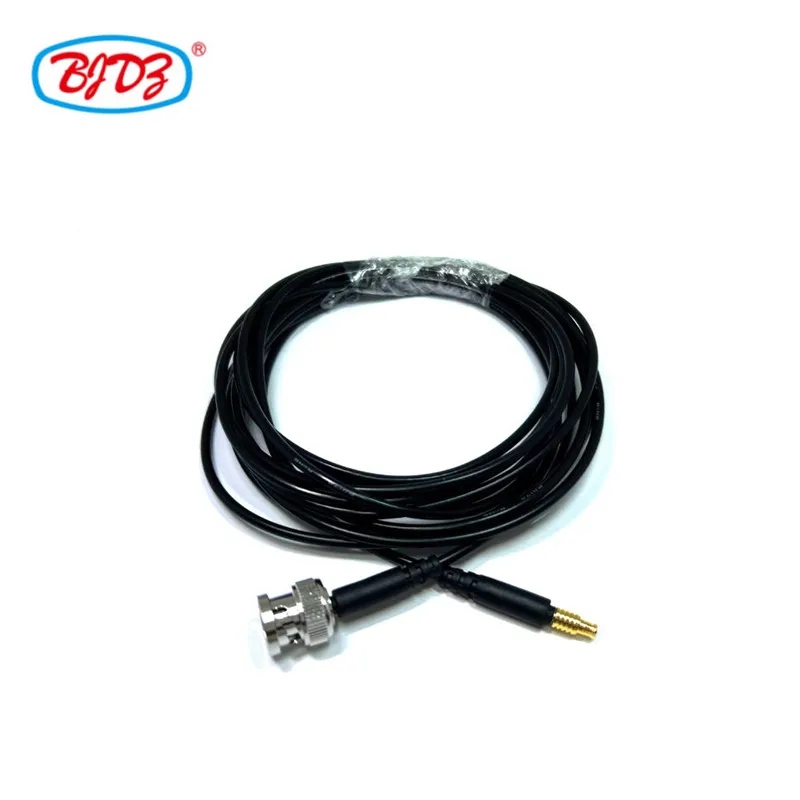
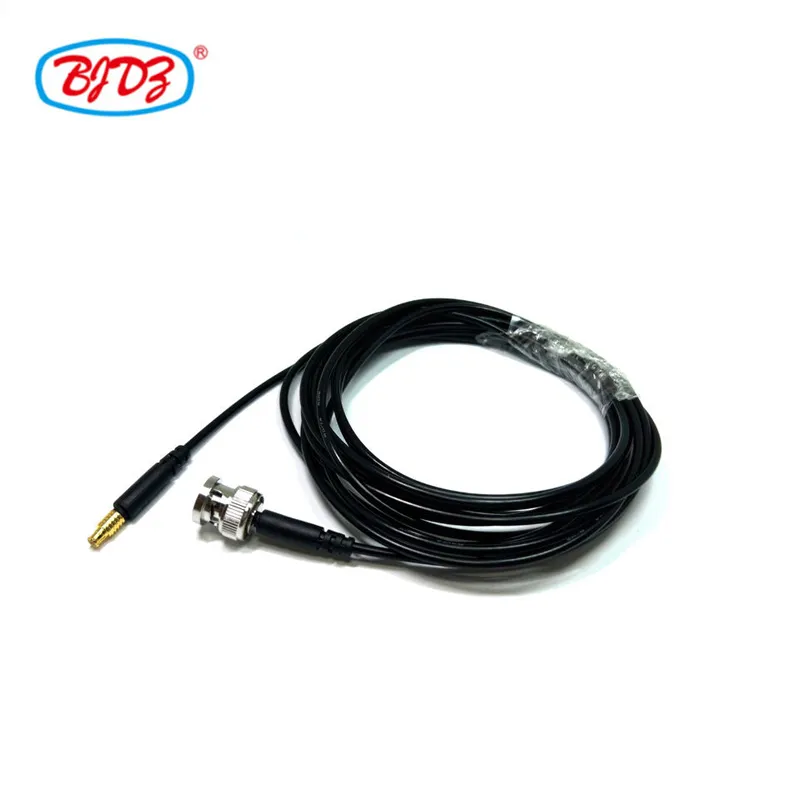
This MCX Male to BNC Male pigtail jumper is specifically designed to adapt the compact, snap-on MCX connectors found on internal WiFi network cards, mini-PCIe modules, GPS receivers, and SDR (Software Defined Radio) boards to a robust, standard BNC interface. Utilizing ultra-flexible RG174 50Ω coaxial cable, this assembly allows IT professionals, network engineers, and DIY enthusiasts to easily route RF signals out of tight enclosures (like PC cases or router housings) to mount external high-gain antennas or connect to RF testing equipment.
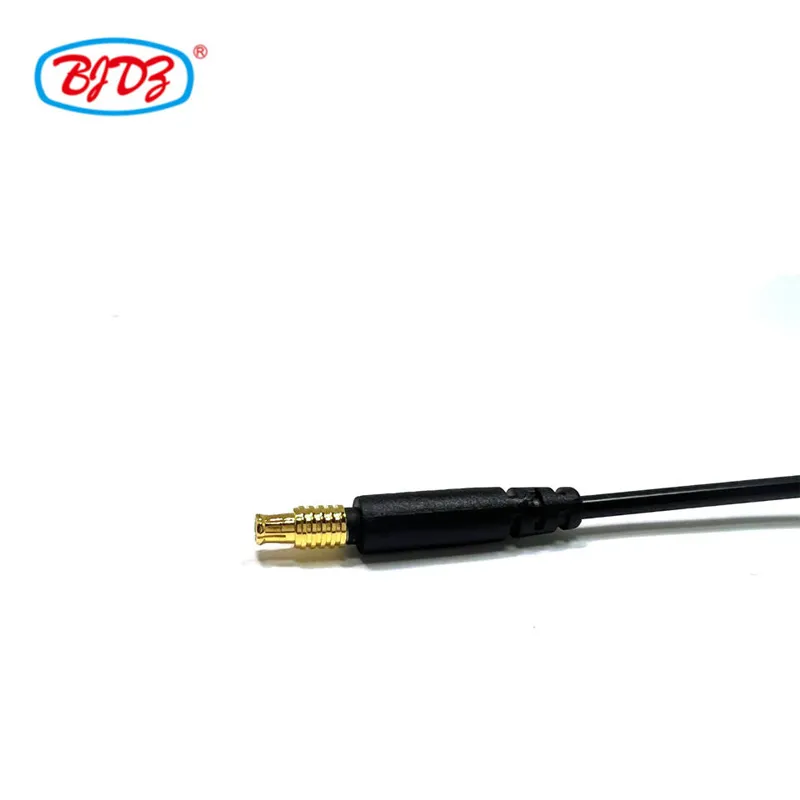
COMPATIBILITY WARNING: Please verify your device's connector type before ordering. MCX (Micro Coaxial) is slightly larger than MMCX (Micro-Miniature Coaxial). They are NOT interchangeable. MCX has a ~3.6mm outer diameter, while MMCX is ~2.5mm.
Parameter | Specification |
Cable Type | RG174/U (50Ω, highly flexible, ~2.5mm to 2.8mm OD) |
Impedance | 50 Ohm (System-wide) |
Frequency Range | DC to 6 GHz (Fully covers 2.4 GHz, 5 GHz, and 5.8 GHz WiFi bands) |
Connector A | MCX Male Plug Snap-on coupling mechanism Brass body, gold-plated center pin Designed for PCB or micro-module edge mounts |
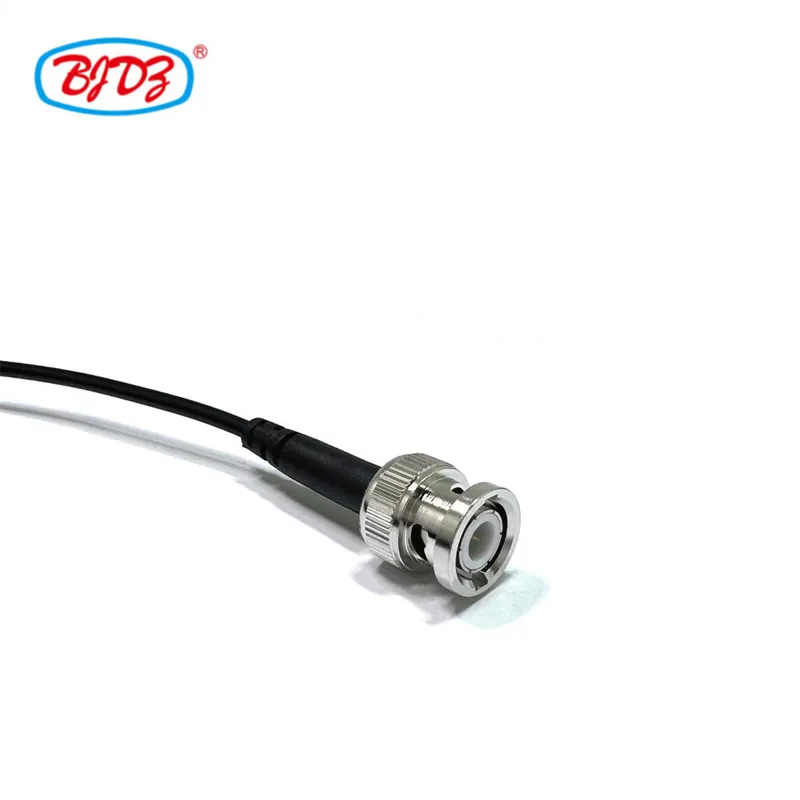
Connector B | BNC Male Plug Bayonet quick-lock coupling Nickel-plated brass, gold-plated pin Standard panel-mount or antenna interface |
Insertion Loss | ≤ 0.15 dB @ 1 GHz; ≤ 0.25 dB @ 2.4 GHz; ≤ 0.40 dB @ 5 GHz (per 30cm length) |
VSWR | ≤ 1.20:1 (DC–3 GHz); ≤ 1.30:1 (3–6 GHz) |
Power Handling | Up to 100W @ 1 GHz (Suitable for all standard WiFi, GPS, and IoT Tx power levels) |
Cable Construction | Center: 7/0.16mm stranded bare copper Dielectric: Solid PE (1.52mm) Shield: 95% tinned copper braid Jacket: PVC (Flexible) |
Standard Lengths | 15 cm, 20 cm, 30 cm, 50 cm (Custom up to 100 cm) |
Temperature Range | -40°C to +85°C |
Mating Durability | ≥ 500 cycles (MCX); ≥ 500 cycles (BNC) |
1. Ultra-Flexible RG174 for Tight Spaces
Internal WiFi cards (like older Intel mini-PCIe cards) and IoT routers have extremely limited clearance. The 2.5mm thin and highly bendable RG174 cable can be routed through tight chassis gaps, sharp corners, and small drill holes without stressing the fragile MCX solder joints on the PCB.
2. Secure MCX Snap-On & BNC Bayonet Lock
The MCX snap-on interface provides a tactile "click" when mated to the network card, ensuring it won't vibrate loose inside a moving vehicle or industrial machine.
The BNC bayonet lock on the outside allows for quick, tool-free connection to external omni-directional antennas, panel antennas, or spectrum analyzers.
3. Full WiFi & IoT Band Coverage
Engineered to maintain 50Ω impedance up to 6 GHz, ensuring minimal signal reflection and maximum power transfer for 802.11 b/g/n/ac WiFi (2.4/5GHz), Bluetooth, GPS/GLONASS (1.5GHz), and Zigbee/LoRa applications.
4. High Shielding for Noisy PC Environments
The 95% tinned copper braided shield on the RG174 cable protects the delicate RF signal from the heavy electromagnetic interference (EMI) generated by PC motherboards, switching power supplies, and router CPUs.
Application | Use Case |
WiFi Network Card Upgrades | Adapting internal mini-PCIe/M.2 WiFi cards (with MCX ports) to external RP-SMA/BNC antennas via a BNC adapter. |
Router & Access Point Mods | Drilling a hole in a commercial router enclosure to add an external high-gain BNC antenna for extended range. |
GPS & GNSS Modules | Connecting internal GPS receiver boards (e.g., Garmin, u-blox) to external active/passive roof antennas. |
SDR (Software Defined Radio) | Linking HackRF, RTL-SDR, or custom SDR boards to external BNC test probes or RF shielding enclosures. |
Industrial IoT & Telemetry | Routing 433MHz/868MHz/915MHz LoRa or cellular signals from internal modems to external panel-mounted BNC antennas. |
Automotive RF Routing | Connecting in-dash GPS or telematics control units (TCUs) to vehicle roof antennas. |
1. Precision Pin Depth & Snap-Force Testing
MCX connectors require exact pin depth to avoid damaging the female receptacle on the expensive WiFi card. Every batch is verified using go/no-go gauges.
Snap-on retention force is tested to ensure it meets the 10N–20N standard (secure, but won't rip the PCB pad when removed).
2. 100% VSWR Sweep Testing
Every pigtail is tested on a Vector Network Analyzer (VNA) from DC to 6 GHz. Assemblies with VSWR > 1.30:1 at WiFi frequencies (2.4/5GHz) are scrapped.
3. Strain Relief & Pull Testing
Because RG174 is thin, the crimp joint between the cable and the BNC/MCX connector is reinforced with heat-shrink tubing. Pull-tested to withstand >30N of tension without detaching.
Standard Packaging: Individually coiled and sealed in anti-static PE bags.
Labeling: Tagged with "MCX(M) to BNC(M) | RG174 50Ω | [Length]".
Lead Time: In stock (15cm, 20cm, 30cm) ships within 24 hours. Custom lengths take 2–3 days.
MOQ: 1 piece for samples/stock; 50 pieces for custom lengths.
Q1: How do I know if my WiFi card uses MCX or MMCX?
A: This is the most common mistake!
Q2: Can I use this for a 5GHz WiFi connection?
A: Yes, but keep it short. RG174 has higher attenuation at higher frequencies. At 5 GHz, the signal loss is roughly 0.4 dB per 30cm. We strongly recommend keeping the length under 50 cm for 5GHz/5.8GHz WiFi applications to maintain optimal throughput. For longer runs, upgrade to a thicker cable like RG316 or RG142.
Q3: My external antenna has an RP-SMA connector, not BNC. Will this work?
A: This cable ends in a standard BNC Male. If your antenna has an RP-SMA Female connector, you will simply need a small, inexpensive BNC Male to RP-SMA Female adapter to bridge the two.
Q4: Is the MCX connector straight or right-angle?
A: Our standard pigtail uses a Straight MCX Male plug. If your enclosure has extremely tight vertical clearance directly above the WiFi card, please contact us to request a Right-Angle MCX version.
Use Proper Tools: When snapping the MCX connector onto the WiFi card, align it perfectly straight and press down firmly until you feel a distinct "click." Do not use pliers, as this can crush the connector or crack the PCB.
Removal Technique: To remove the MCX plug, use a specialized MCX removal tool or gently pry it straight up using two small flathead screwdrivers on opposite sides. Never pull by the cable.
Waterproofing: If the BNC end is routed outside an enclosure, wrap the BNC-to-antenna connection in self-amalgamating silicone tape to prevent moisture ingress.
Ready to Extend Your Wireless Range?
 English